Smart Band User Manual
Proper Wearing
The band should be worn best behind the styloid process of ulna
Adjust to fit your wrist size using the adjustment holes; fasten the wristband buckle.
The sensor must be in close contact with skin, avoid movement.
Charging the Band
For first use, ensure the band has sufficient battery. If it cannot power on normally due to low battery, please connect the charger to charge the device, the band will automatically power on.
Installing the Band App on Your Phone
Scan the QR code or download and install the app from App Store or App Center
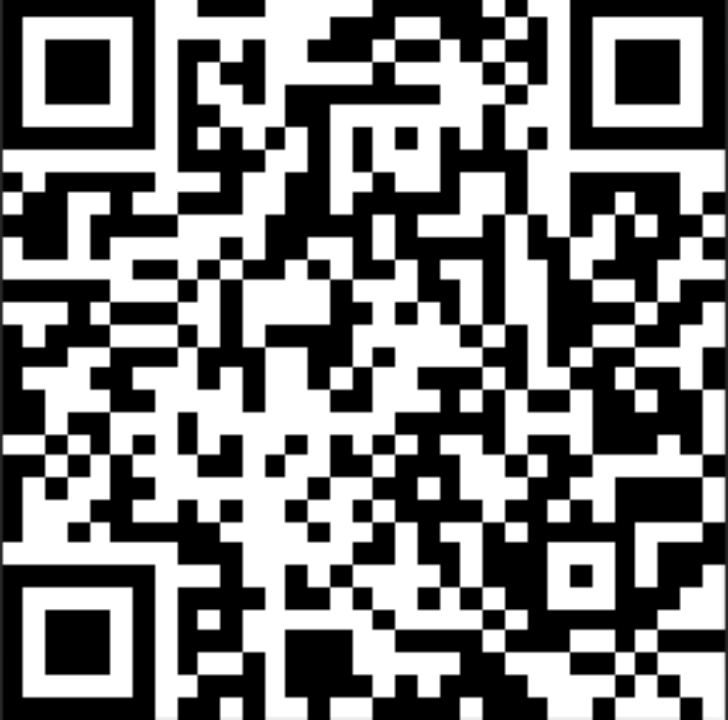
xxxxxxxxxx
System requirements: Android 5.0 and above; iOS 9.0 and above; supports Bluetooth 4.0.
Device Connection
For first use, connect to the app for calibration. After successful connection, the band will automatically sync time
Turn on phone's Bluetooth → Enter app device settings → Click "Bind Device, Experience More Features" to automatically search for nearby band Bluetooth devices, find and connect to your band.
- After successful pairing, the app will automatically save the band's Bluetooth address. When the app is open or running in background, it will automatically search and connect to the band;
- For Android phones, need to grant all notification permissions including contact access and allow app background operation in phone settings.
Band Function Description
- In powered-off state, long press function button for over 3 seconds to power on the device.
- More menu - long press shutdown menu to enter shutdown interface
- In powered-on state, short press function button to wake screen;
- Switch to heart rate triple test interface to begin testing, the interface will automatically turn off after 60s timeout (requires band hardware support for heart rate and blood pressure).
Clock Interface
After syncing with phone, the band will automatically calibrate time;
Step Counting
Step Count
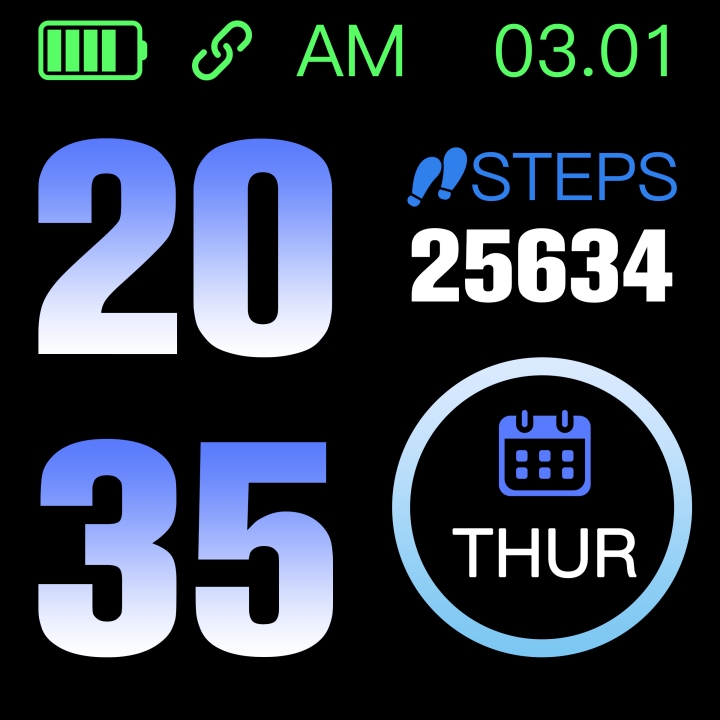
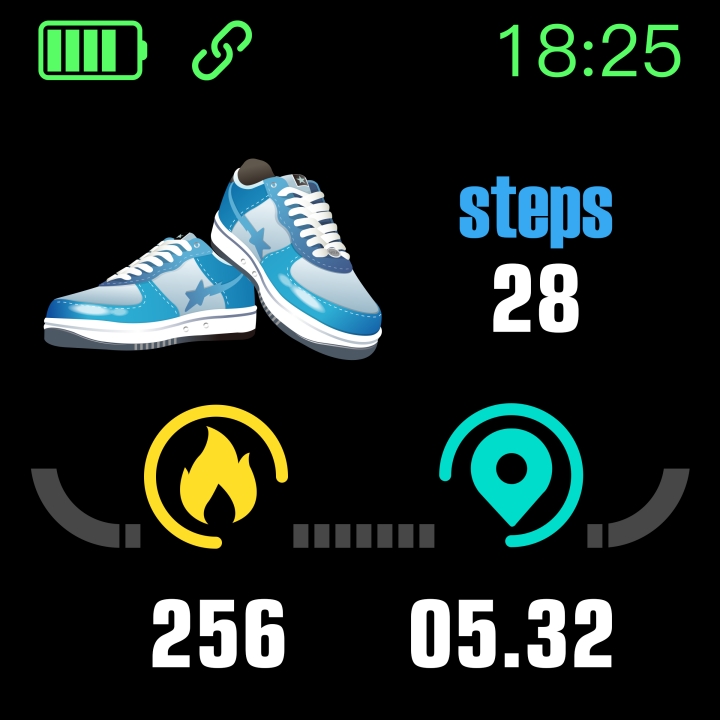
Wear the band to record daily steps, can view real-time step count.
As shown below:
Distance
Estimates movement distance based on step count.
Calories
Estimates calories burned based on step count.
Heart Rate, Blood Pressure, Blood Oxygen Triple Test
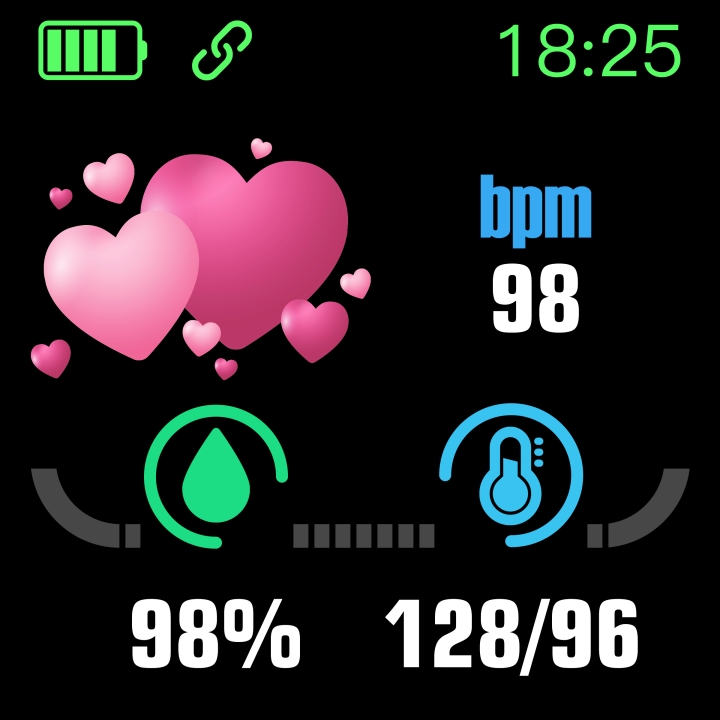
Enter heart rate triple test interface and wait several seconds to display current heart rate, blood pressure and blood oxygen test results. Requires band hardware support for heart rate and blood pressure sensors.
As shown below:
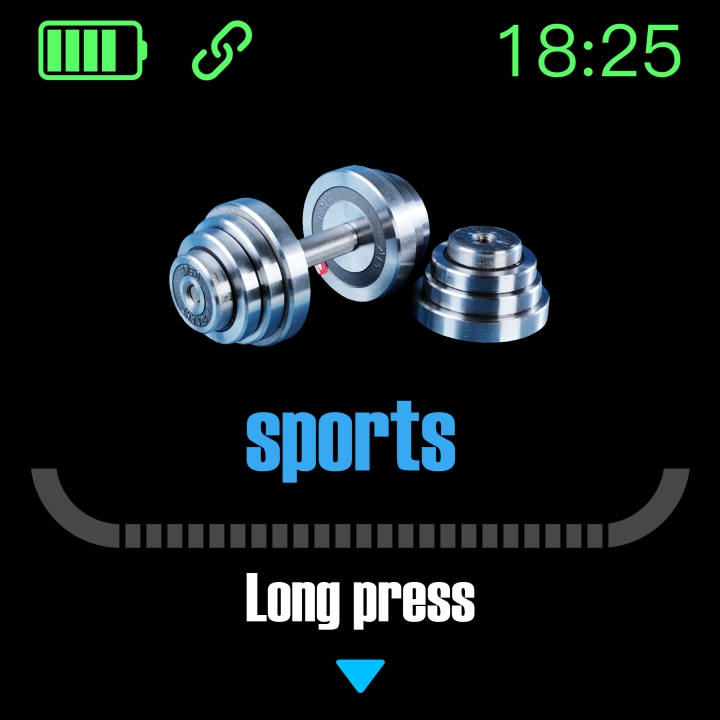
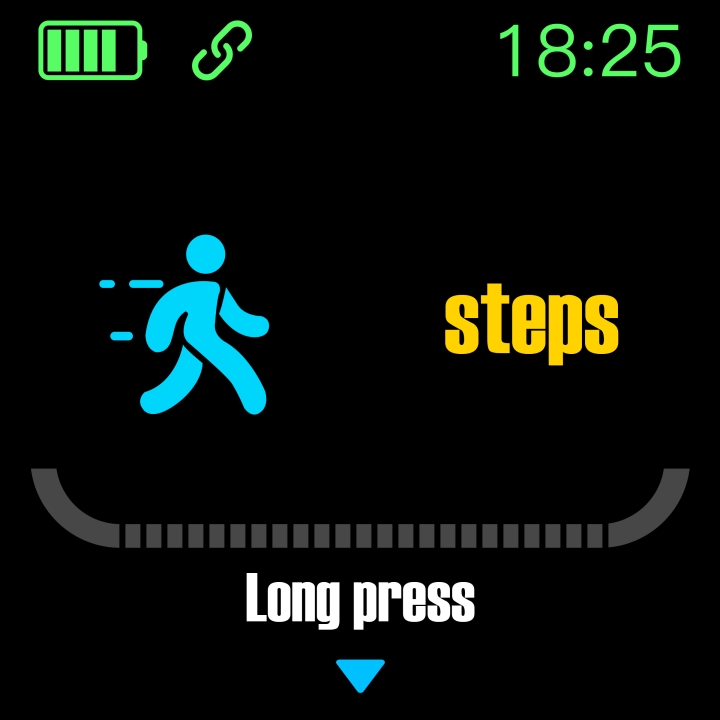
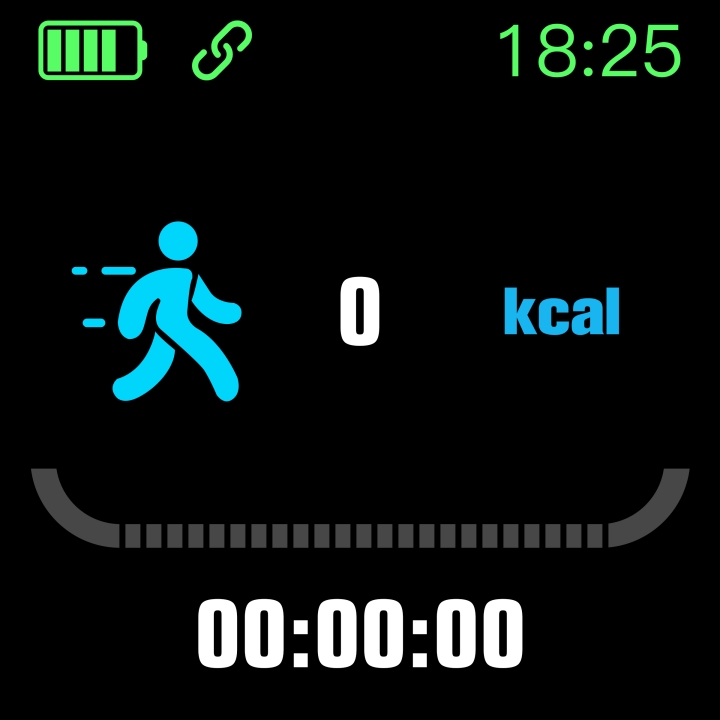
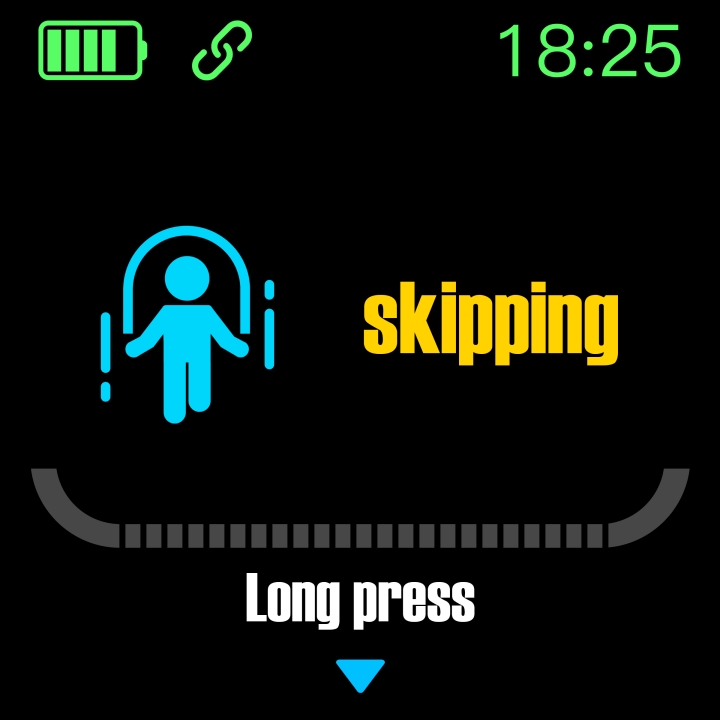
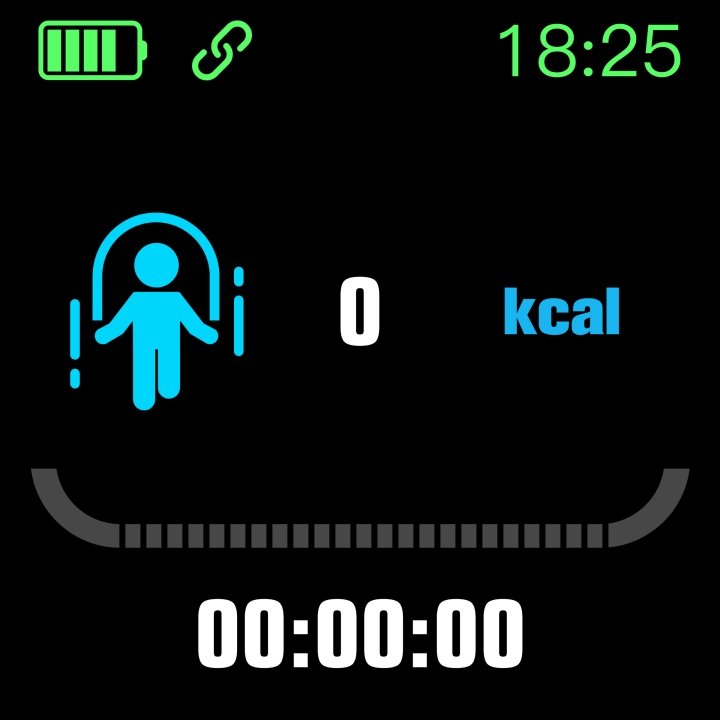
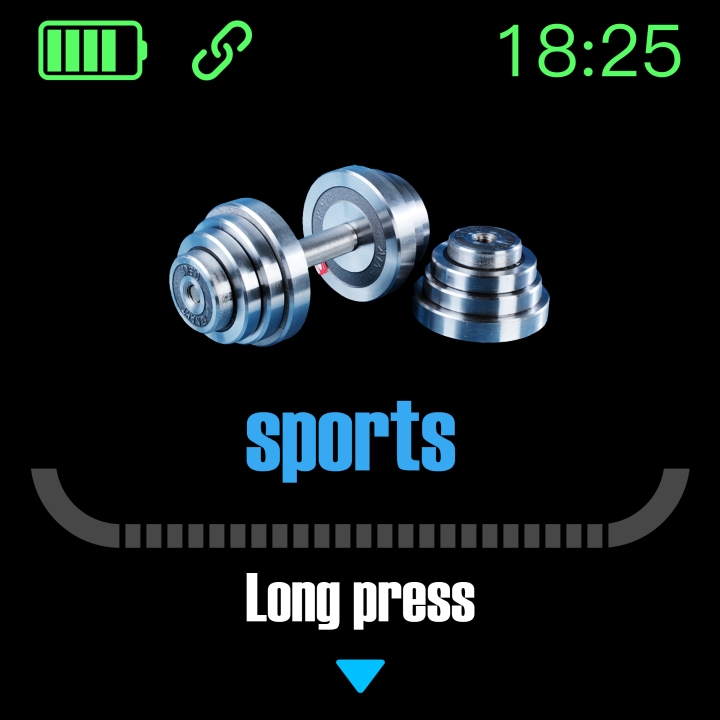
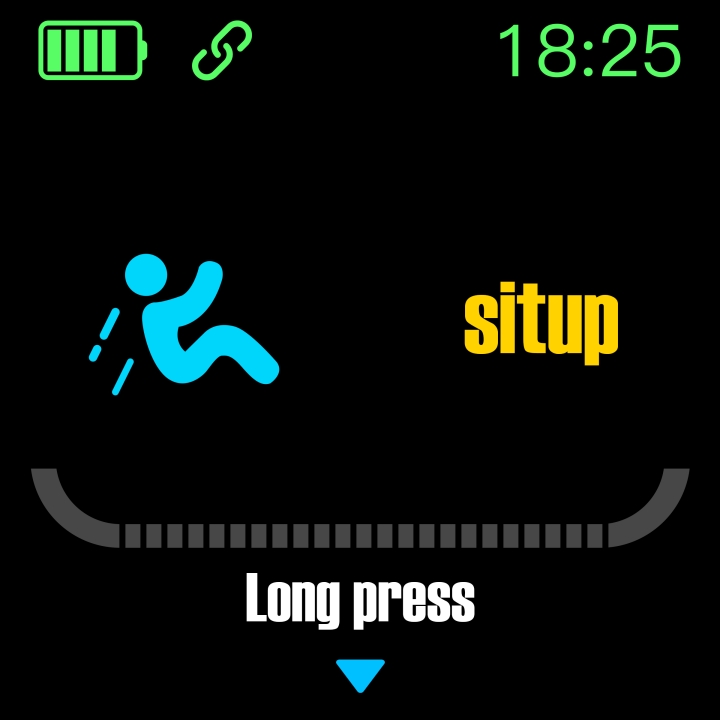
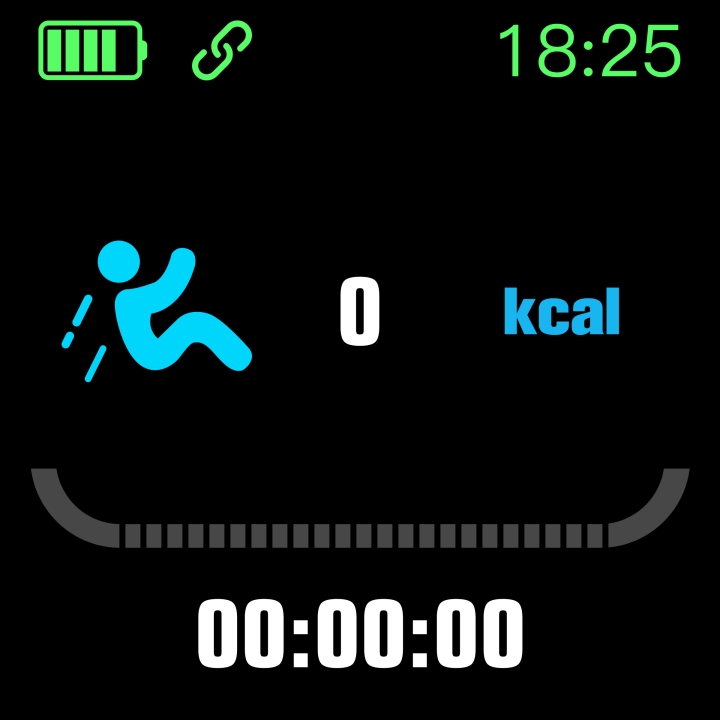
Multiple Sports Modes
All sports modes can record calories burned and duration after activation;
As shown below:
Sleep Mode
Automatically enters sleep monitoring mode when sleeping; automatically detects deep sleep/light sleep/wake times throughout the night, calculates sleep quality; band only shows total deep and light sleep duration, detailed data please view in app.
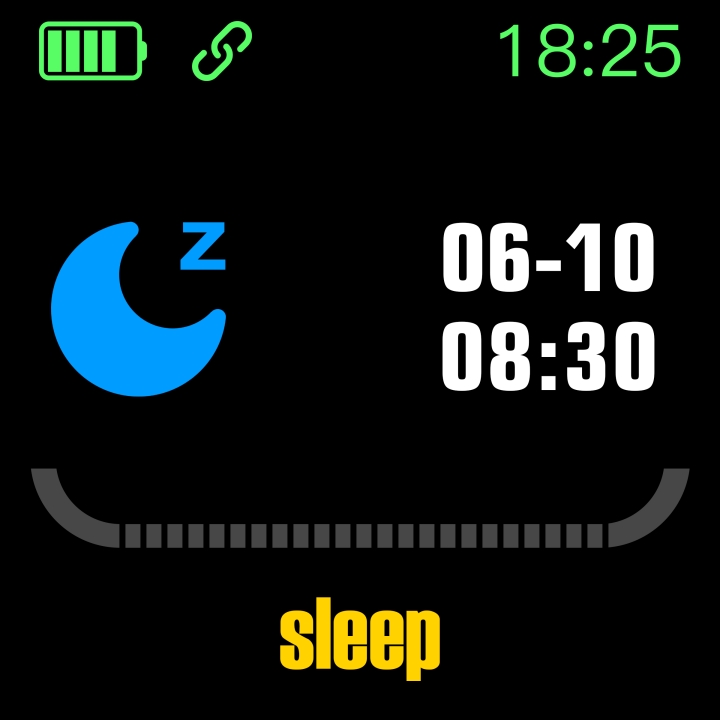
Note: Must wear band while sleeping to get sleep data and detection starts from 10pm, sleep data can sync to app while sleeping after 3/4 hours of sleep.
Music Player
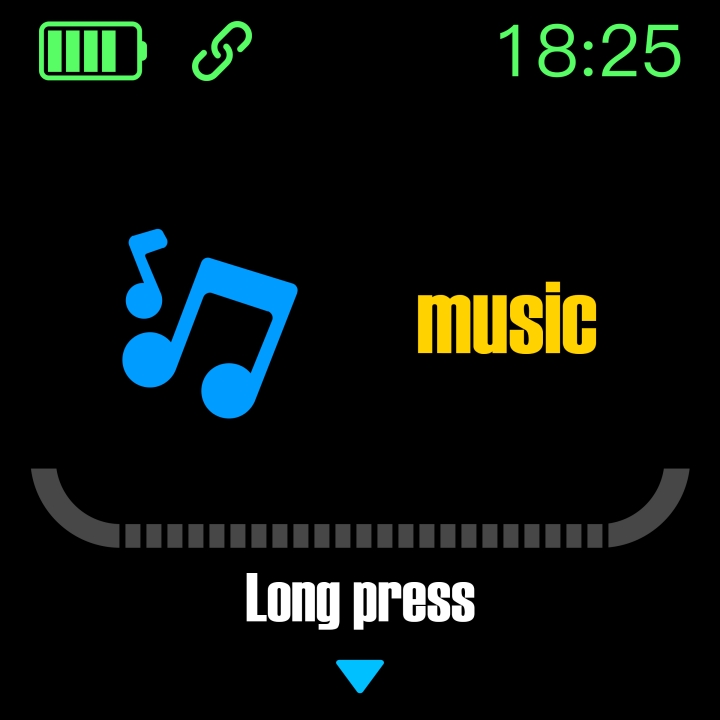
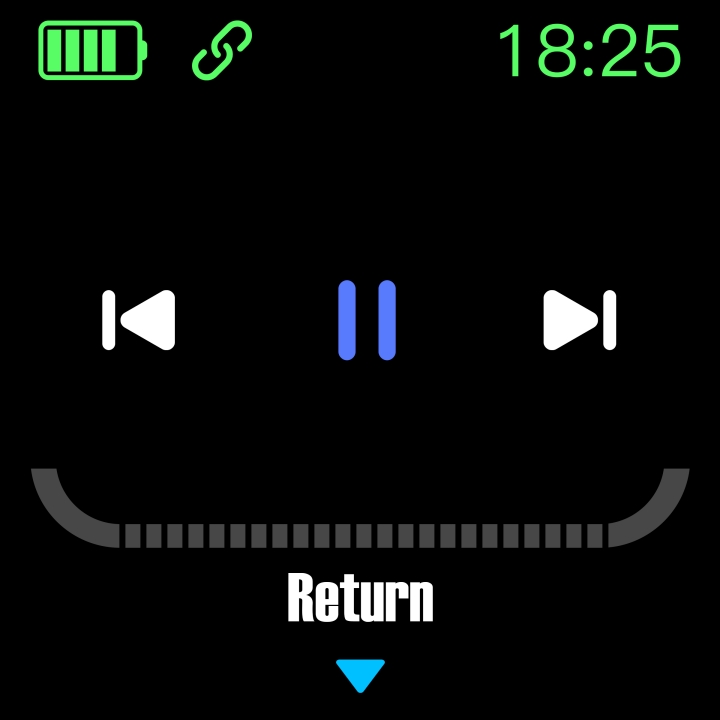
After successful app connection, can activate music player on band (play/pause/previous-next track control) as shown below:
Weather
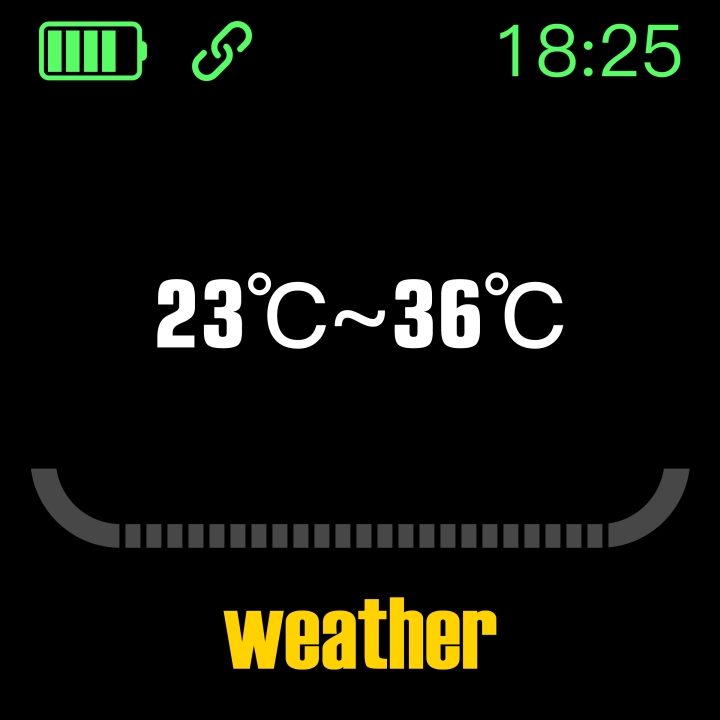
After successful app connection, band can get current weather data, can set temperature unit conversion (Celsius/Fahrenheit) in app settings -- personal info.
As shown below:
Note: Must enable phone location service when connecting to app.
Custom Watch Face
Need to connect to app to get watch face settings, can choose recommended watch faces or customize from photo album to sync to band.
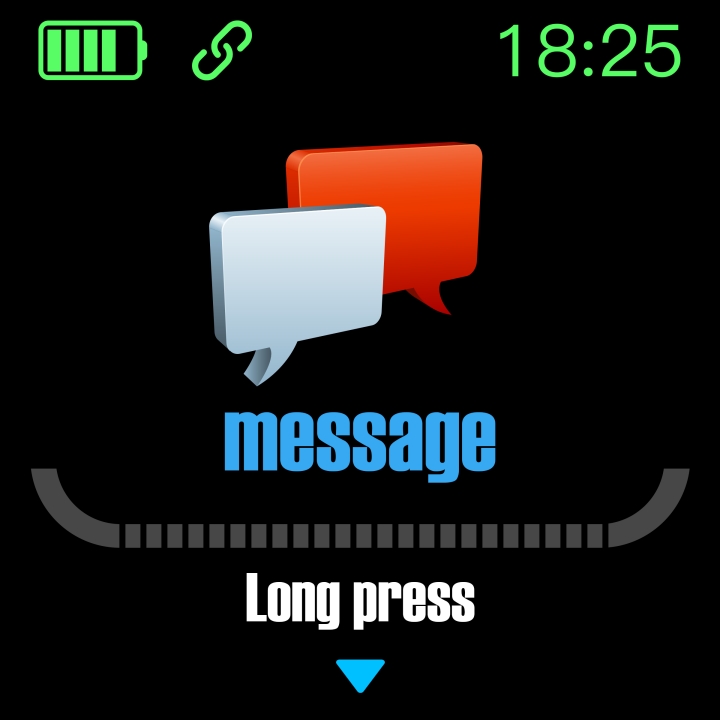
Message Mode
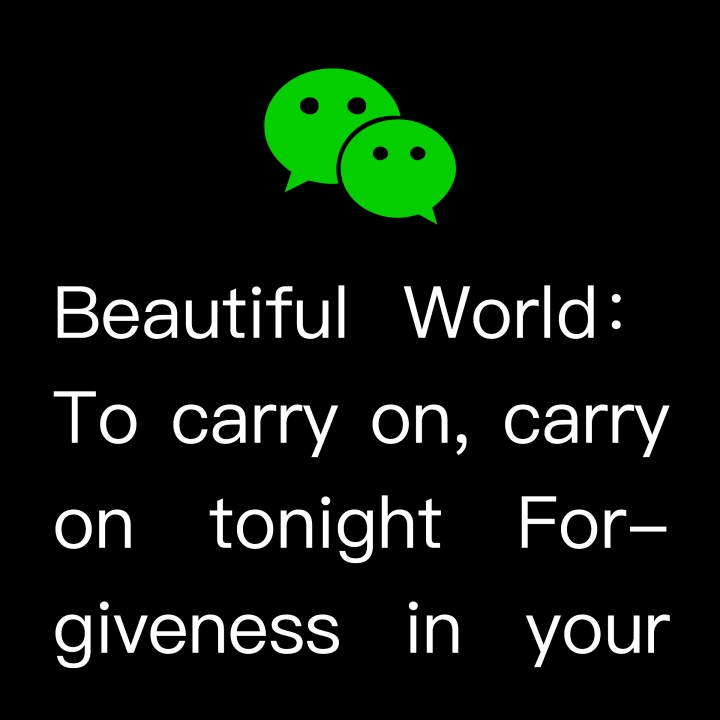
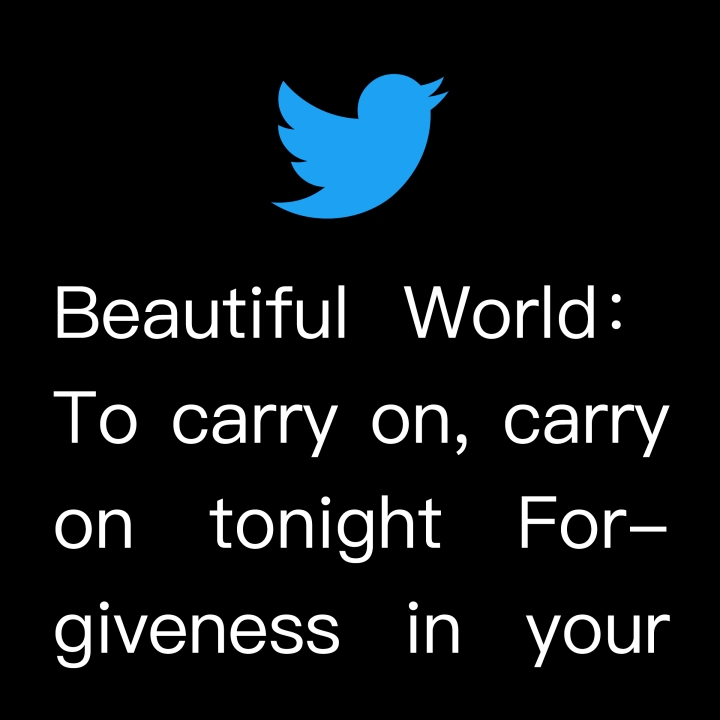
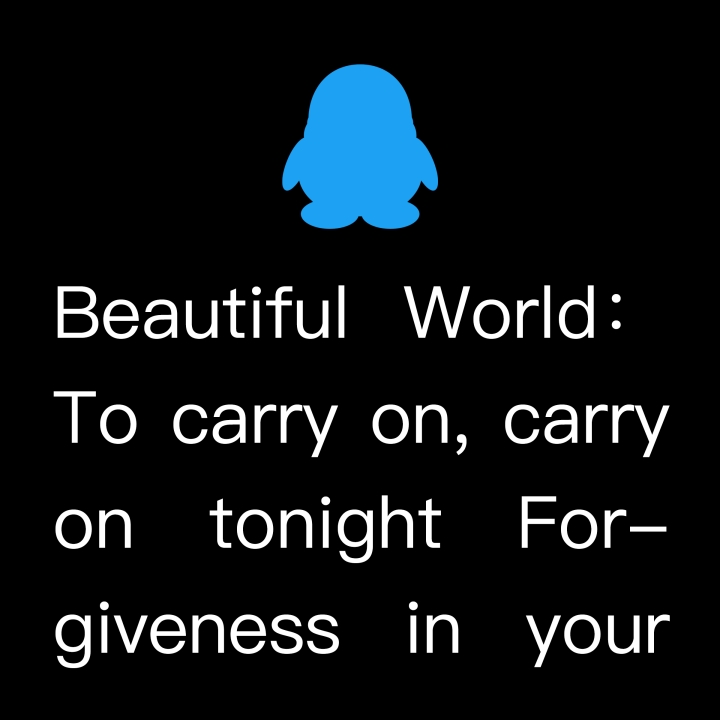
When band receives multiple notification messages, enter this interface to view latest message records.
As shown below:

App Functions and Settings
Personal Information
After entering app, please first set personal information.
Settings → Personal Info, can set gender-age-height-weight.
Can also set daily step goal to monitor daily completion.
App Notifications
Call Reminder:
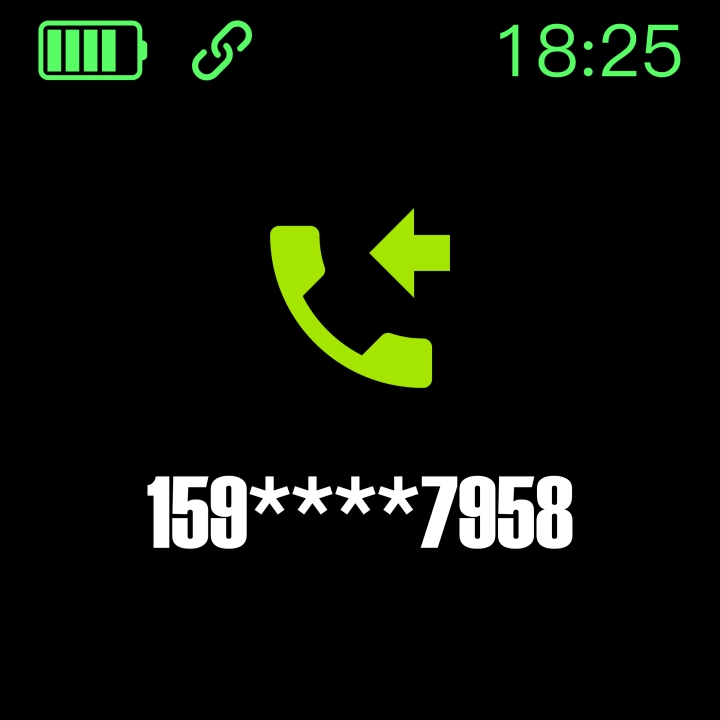
When connected, if call reminder is enabled, band will vibrate and display caller name/number when receiving calls. (Need to grant app contact access permission)
As shown below:
SMS Reminder:
When connected, if SMS reminder is enabled, band will vibrate when receiving SMS. (Same as Message Mode)
Other Reminders:
When connected, if enabled, band will vibrate and display received content when getting WeChat, QQ, Facebook etc. messages. (Need to grant app system notification permission, band can display 20-40 characters). (Same as Message Mode)
Other Functions:
Enable vibration setting, band will vibrate for calls, messages or other notifications. If disabled, will only show screen notifications without vibration to avoid disturbance.
Android User Tips:
Need to set "FitPro" to allow background operation for reminder function; recommend adding "FitPro" as trusted app and enabling all permissions in permission manager.
Alarm Settings
When connected, can set up to 8 alarms which will sync to band; supports offline alarms, band will remind at set time even when not connected to app after successful sync.
As shown below:
Find My Band
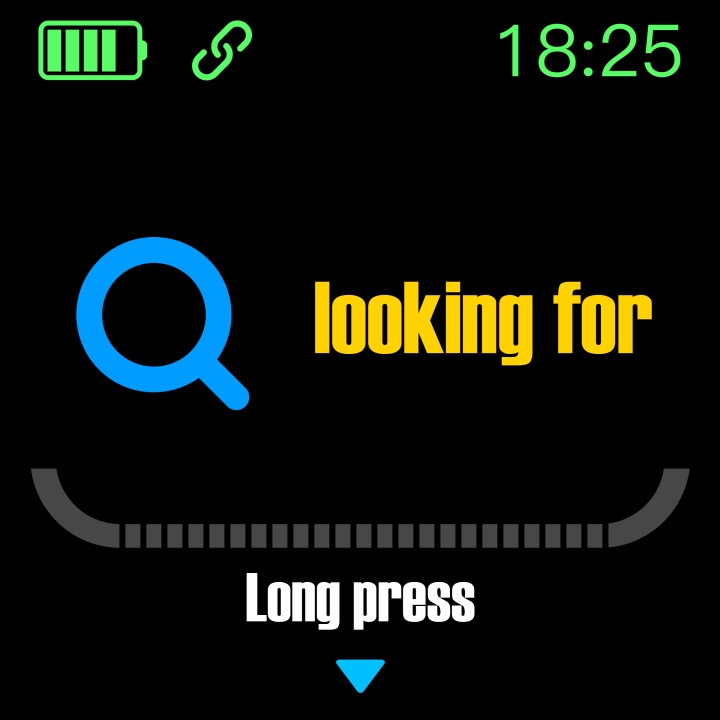
When connected, click "Find My Band" option, band will vibrate.
Or band "Find My Phone".
As shown below:
Remote Camera
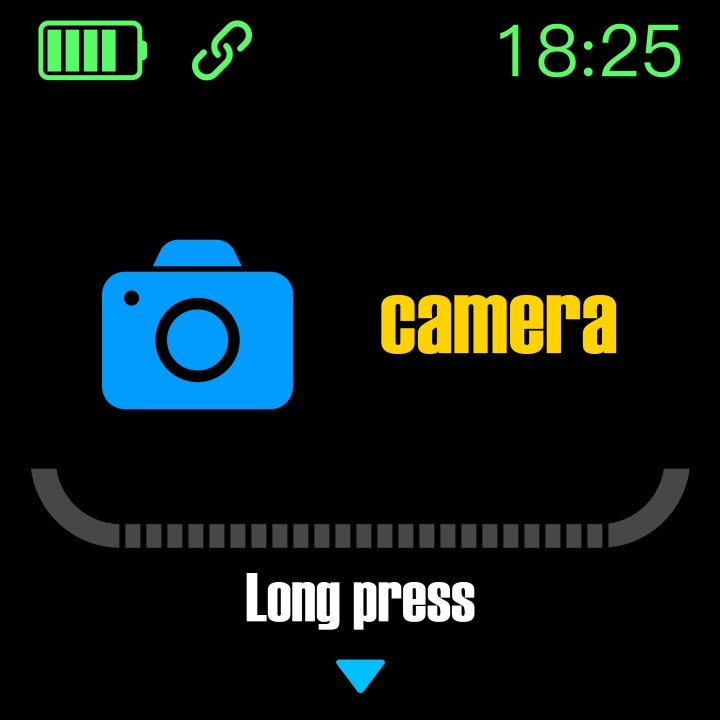
When connected, enter remote camera interface in app, shake band/flip wrist, countdown 3 seconds then automatically takes photo. Please allow app album access to save photos. (Note: cannot operate other band functions during remote camera, need to exit camera function in app)
As shown below:
Sedentary Reminder
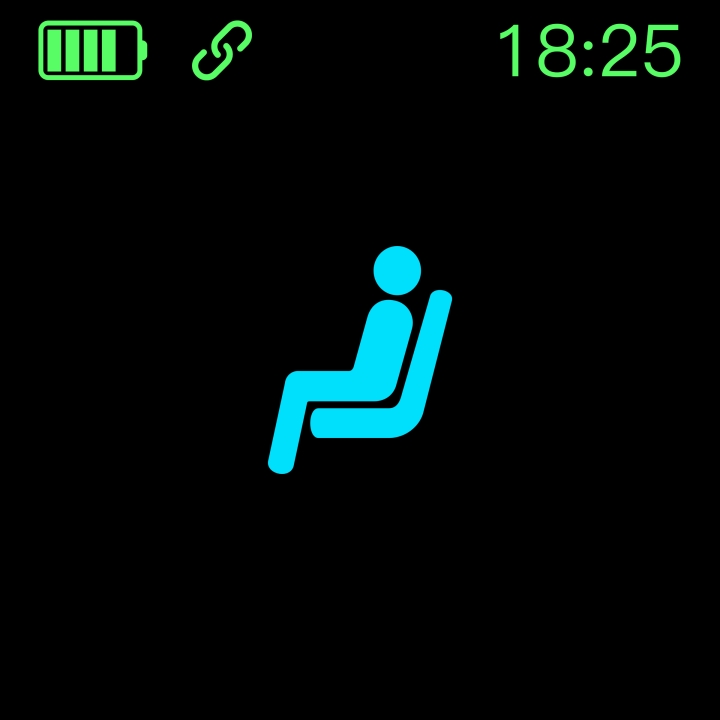
Enable/disable sedentary reminder function, can set reminder interval, band will remind if sitting too long within set time. As shown below:
Raise to Wake
Enable this function to wake screen when raising wrist towards yourself in sleep state, screen turns off when putting down.
Do Not Disturb Mode
Enable DND function, can set DND period, band will stop receiving notifications during set period to avoid disturbance.
Device Reset
Reset function will clear all band data (e.g. step count).
Remove Device
Remove device function will clear data and remove device.
Basic Parameters
| Device Type | Smart Band | Battery Type | Lithium Polymer |
|---|---|---|---|
| Vibration | Supported | Sync Method | Bluetooth 4.0 |
| Temperature | -10℃~50℃ | Sensor | Low-power Accelerometer |
| System Req. | iOS9+/Android5.0+ |
Precautions
- Not suitable for wearing while bathing or swimming.
- Please connect band when syncing data.
- Use original charging cable.
- Do not expose band to high moisture, extremely high or low temperatures for extended periods.
- If band freezes or reboots, please check phone memory and clear info before retrying, or restart app.
Components
*Main unit *Wristband *Charging cable *Packaging and manual